
10GB eSIM for Montenegro
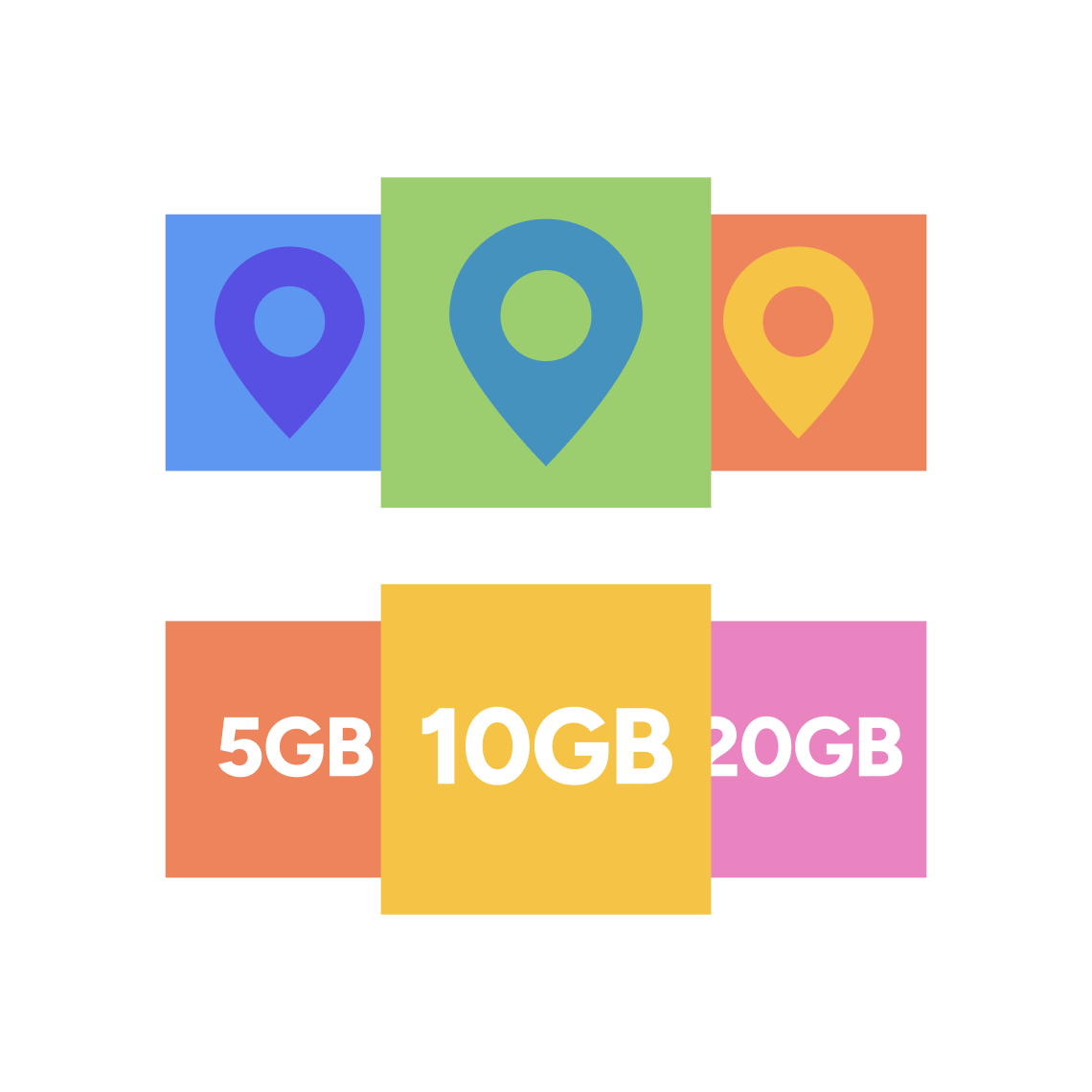
Choose your 10GB eSIM plan for Montenegro
Ensure you'll have enough data to do everything you need with a 10GB eSIM from HelloGlobe. Stay connected throughout your entire trip to Montenegro.
Choose the HelloGlobe eSIM plan that suits your trip length, destination and data usage.
Follow the step-by-step installation instructions on the HelloGlobe website or the app. It only takes a few minutes and is recommended before departure.
Turn on your travel eSIM data upon arrival and get online straight away. No roaming fees, no SIM card swaps, no airport connectivity stress.
Installing a HelloGlobe travel eSIM only takes a few minutes. There's no physical SIM card to collect, insert or replace.
Simply follow the step-by-step instructions in the HelloGlobe app or website to install your eSIM before departure and be ready to connect as soon as you arrive at your destination.
A travel eSIM helps you avoid expensive roaming charges from your home network.
Instead, you can access mobile data at local rates while travelling, making it easier to use maps, messaging apps, bookings and browsing during your trip.
A digital eSIM works alongside your existing SIM card, allowing you to keep your home number active for calls and texts while using your eSIM for mobile data abroad.
This dual-SIM setup gives you more flexibility and helps you stay connected throughout your travels.
HelloGlobe uses a single, reusable travel eSIM. Instead of installing a new eSIM for every trip, you can use the same HelloGlobe eSIM and add new data plans whenever you travel. With HelloGlobe you can:
With HelloGlobe, you only need to install your travel eSIM one time. After the initial setup, the same eSIM stays on your device and is ready to reuse whenever you travel again.
Need more mobile data for your next trip? Simply purchase a new HelloGlobe data plan and add it to your existing eSIM. There’s no need to install another eSIM or change your settings.
You can permanently keep your HelloGlobe eSIM on your phone as a secondary SIM for travel. When you arrive at your destination, just enable the HelloGlobe line, select it as your mobile data line and turn on data roaming to get online in seconds.
You can install your HelloGlobe eSIM either before you travel or once you arrive in the Montenegro. It is recommended to set it up a day or two before departure so that you can instantly get connected upon arrival. If you install it after landing, you’ll just need access to a Wi‑Fi connection to complete the setup.
Most newer iPhones, Samsung, Google Pixel and other flagship models support eSIMs. You can check our full compatibility list before you buy. Once installed, your eSIM will work alongside your device’s existing physical SIM.
Your HelloGlobe eSIM connects automatically when you arrive in Montenegro and your phone detects a supported local network, as long as Data Roaming is enabled and the HelloGlobe eSIM is selected as your mobile data line.
Yes. Your physical SIM stays active, so you can keep your existing number for calls and SMS while using your HelloGlobe travel eSIM for mobile data in the Montenegro. App-based communication will continue working as normal.
No. You can keep your physical SIM in your phone and use your eSIM at the same time if your device supports dual SIM. This allows you to keep your home number for calls and texts while using your HelloGlobe travel eSIM for mobile data.
Yes. once installed, your HelloGlobe travel eSIM remains on your device for a lifetime, making it easy to add new travel data plans whenever you need them. If you’re travelling to multiple destinations, you can buy additional HelloGlobe data plans for each country you visit.
You can track how much data you’re using through the HelloGlobe app or website. Your account dashboard will show real-time data usage and remaining balance. If you reach your data limit or your plan’s validity ends, the plan will expire. Even upon plan expiry, your eSIM stays installed on your device, so you can top up or renew your plan anytime through the app or website.
If you need help at any point, our support team is here for you. Visit our Help Centre for step-by-step guides and troubleshooting, or contact us directly for assistance.
Visit our Help centre for guides, troubleshooting, and answers to common questions.